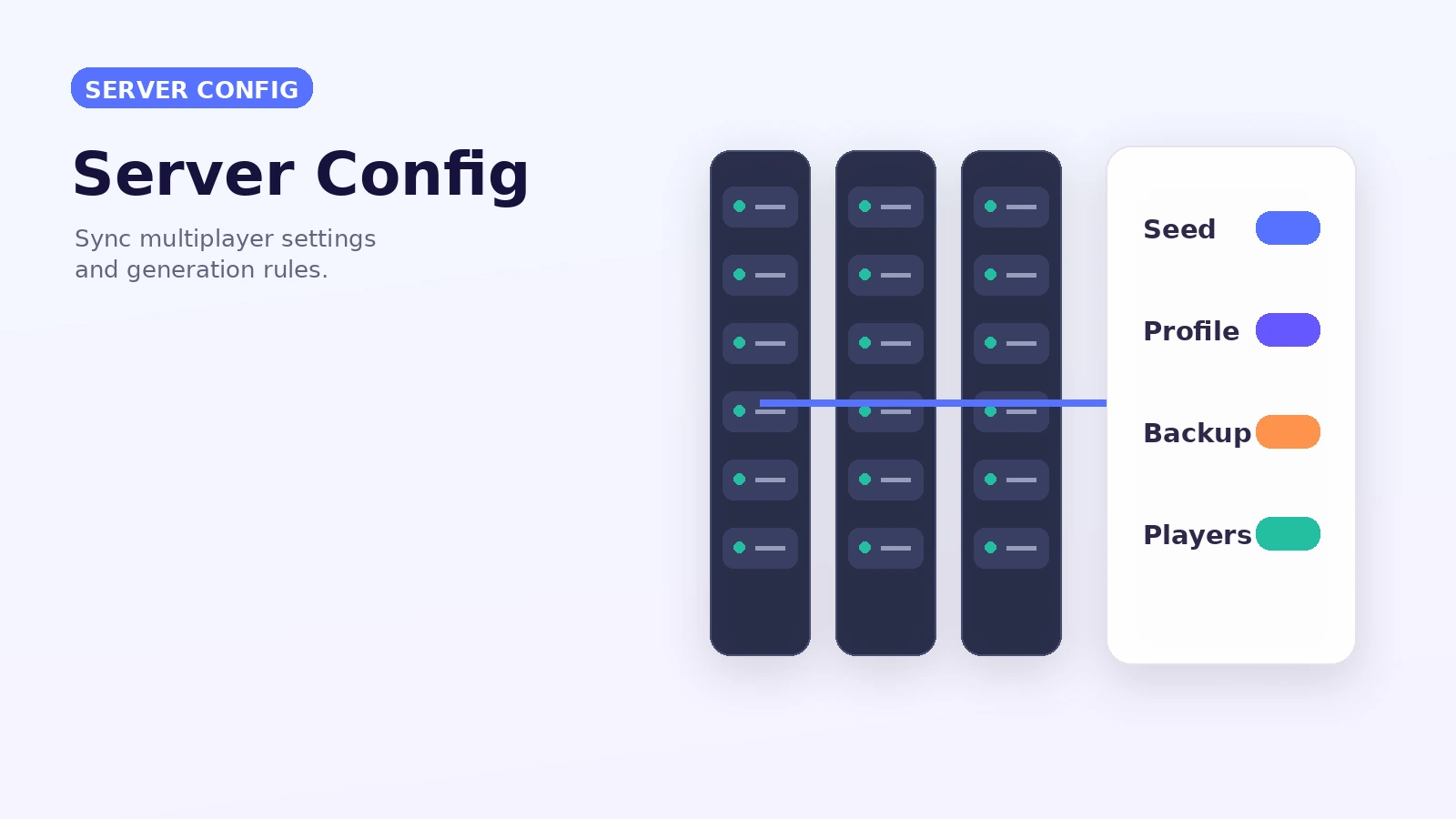
A practical Lost Cities server config workflow for consistent multiplayer world generation. This guide focuses on a repeatable setup process rather than assuming every launcher, modpack or server uses the same files.
Freeze your version set
Before opening a server to players, record the Minecraft, Forge and Lost Cities versions in use. Server and client requirements should be communicated clearly.
Decide the profile before launch
Choose the intended Lost Cities profile and generation settings before players explore. Changing generators later can create mixed chunk boundaries.
Back up configuration and world data
Create backups before changing generation options or updating the mod. A rollback is much easier than reconstructing a world after incompatible settings generate new areas.
Test upgrades separately
Clone the server world into a staging environment. Load key areas, generate new chunks and read the server log before deploying changes to the live server.