Lost Cities Mod
Download & Setup Guide
Lost Cities Mod adds abandoned city generation, version checks, profiles and setup guidance for Minecraft.
What is Lost Cities Mod?
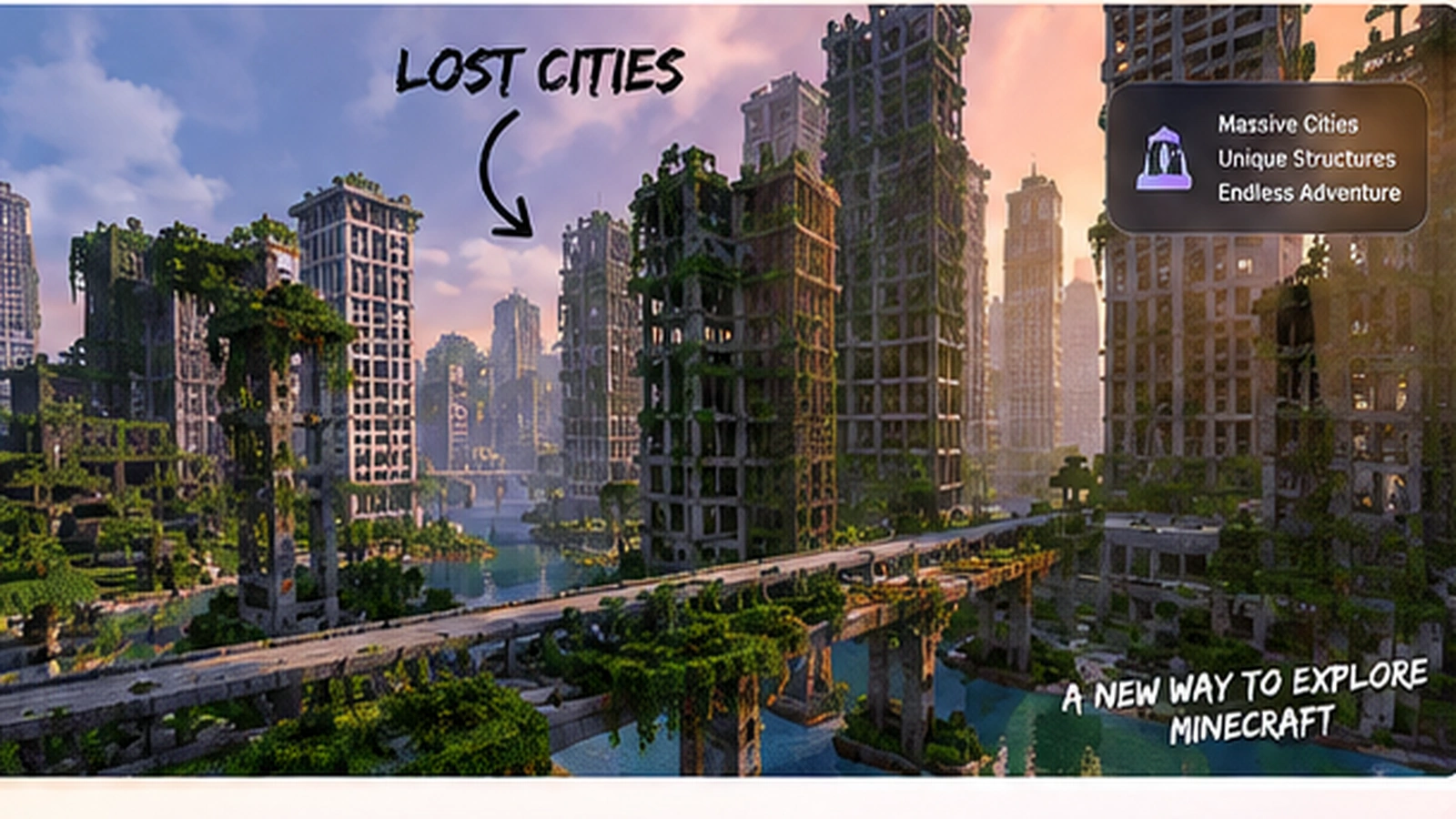
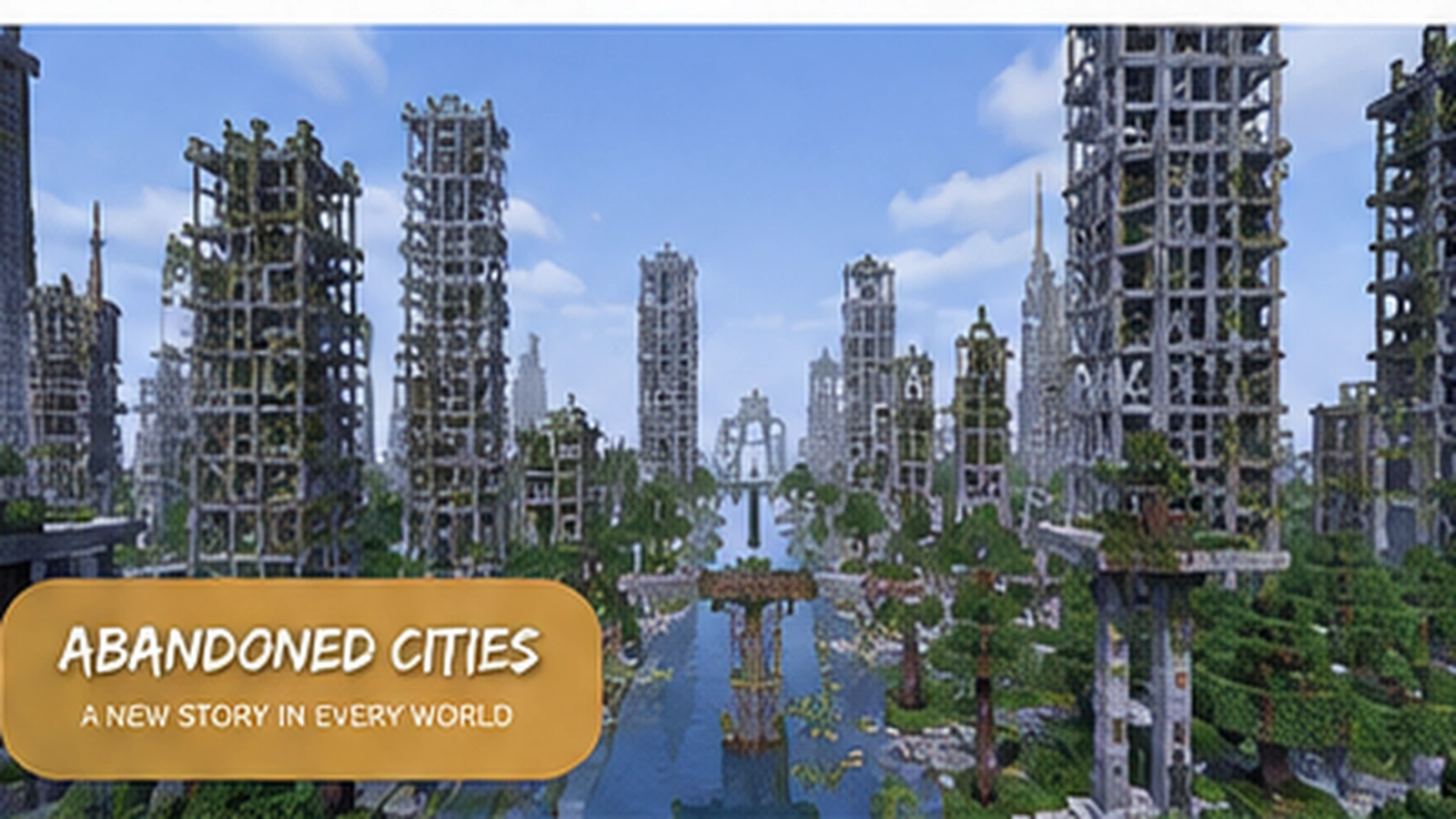
The Lost Cities mod is a world-generation mod for Minecraft that creates large abandoned city environments with buildings, roads, highways and profile-driven configuration. It is designed for exploration, survival and custom modded worlds rather than one fixed adventure map.
Key Features
Core systems that make Lost Cities useful for custom Minecraft worlds and modded play.
Massive Cities
Explore large, detailed city districts generated across new terrain.
Custom Profiles
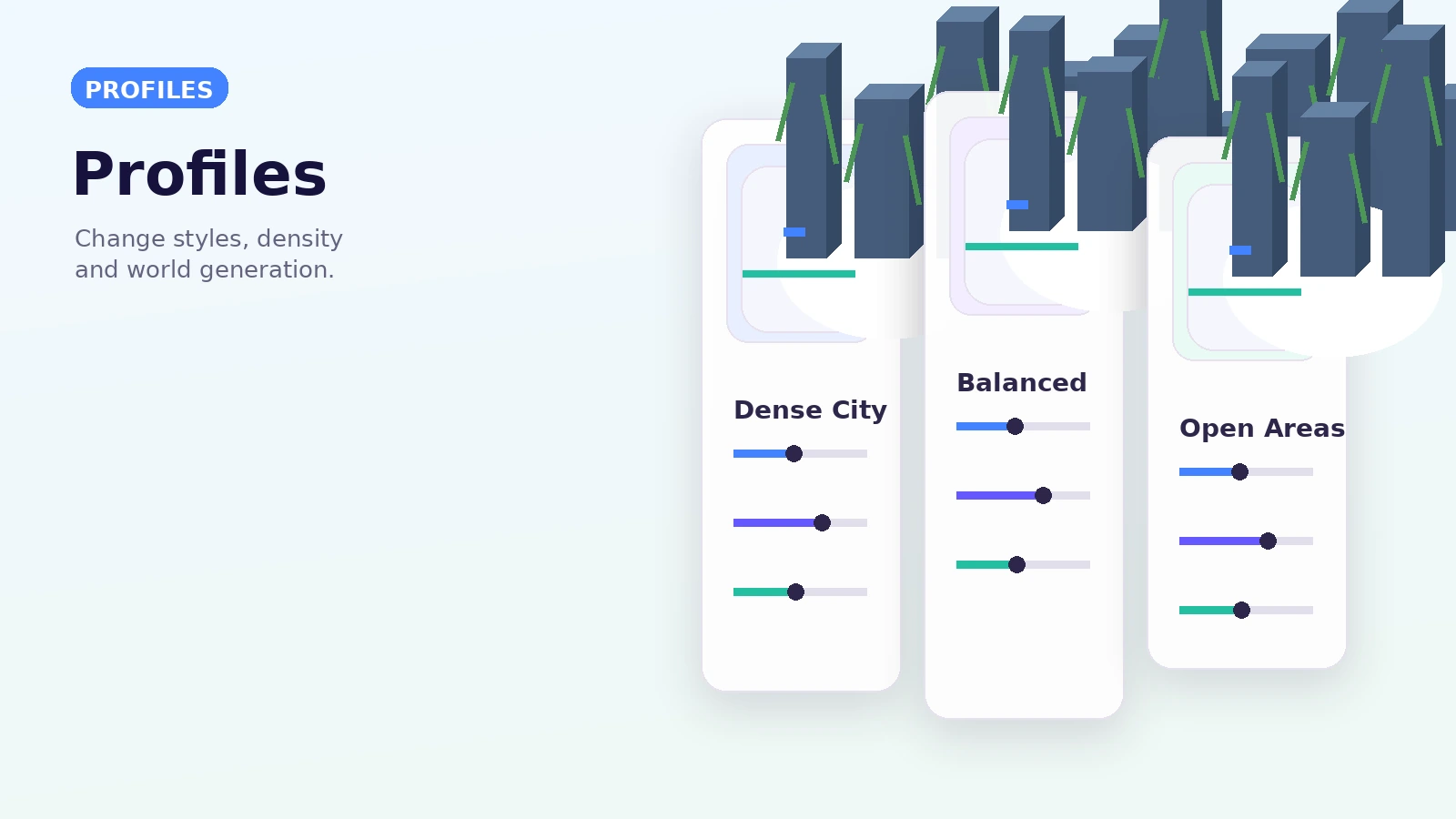
Change city density, landscape choices and world-generation behavior.
Structured Content
Buildings, streets, highways and supporting worldgen systems work together.
Highly Configurable
Tune profiles and data-driven styles to match your preferred setup.
Mod Compatibility
Plan version matching carefully when using Lost Cities with a larger modpack.
Endless Exploration
Newly generated chunks can keep extending the city-focused world experience.
Get Started in 3 Simple Steps
Use a clean, version-matched setup before generating a new Lost Cities world.
Download
Use the download section and confirm the package matches the setup you intend to use.
Install
Match Minecraft, Forge and the Lost Cities build, then test in a clean instance.
Play & Explore
Create a new world or use a backup, choose a profile and start exploring generated cities.
Modern 1.20.1+ setups
- Official current documentation covers Minecraft 1.20.1 and newer.
- The project is documented as a Forge mod for modern 1.20.1 development.
- Match Java, Forge and mod versions required by the specific build.
- Test third-party addons independently.
Legacy & alternate-loader caution
The Lost Cities mod 1.12.2 uses a much older branch and should not be mixed with modern 1.20 files. Queries for The Lost Cities Fabric should be treated as a separate compatibility check because the main modern project is Forge-based.
Download NowDownload Lost Cities Mod
Use the supplied 1.20 branch archive link. This website does not install files automatically and does not require an account.
Provided branch: 1.20
Before use: scan the archive, back up saves, and verify your exact Minecraft/Forge version.
Download Lost Cities ModWhere Lost Cities fits
Survival city worlds
Explore dense urban generation while keeping normal survival systems around the generated environment.
Modpacks
Use city generation as a backdrop for tech, progression, exploration or post-apocalyptic modpack themes.
Server scenarios
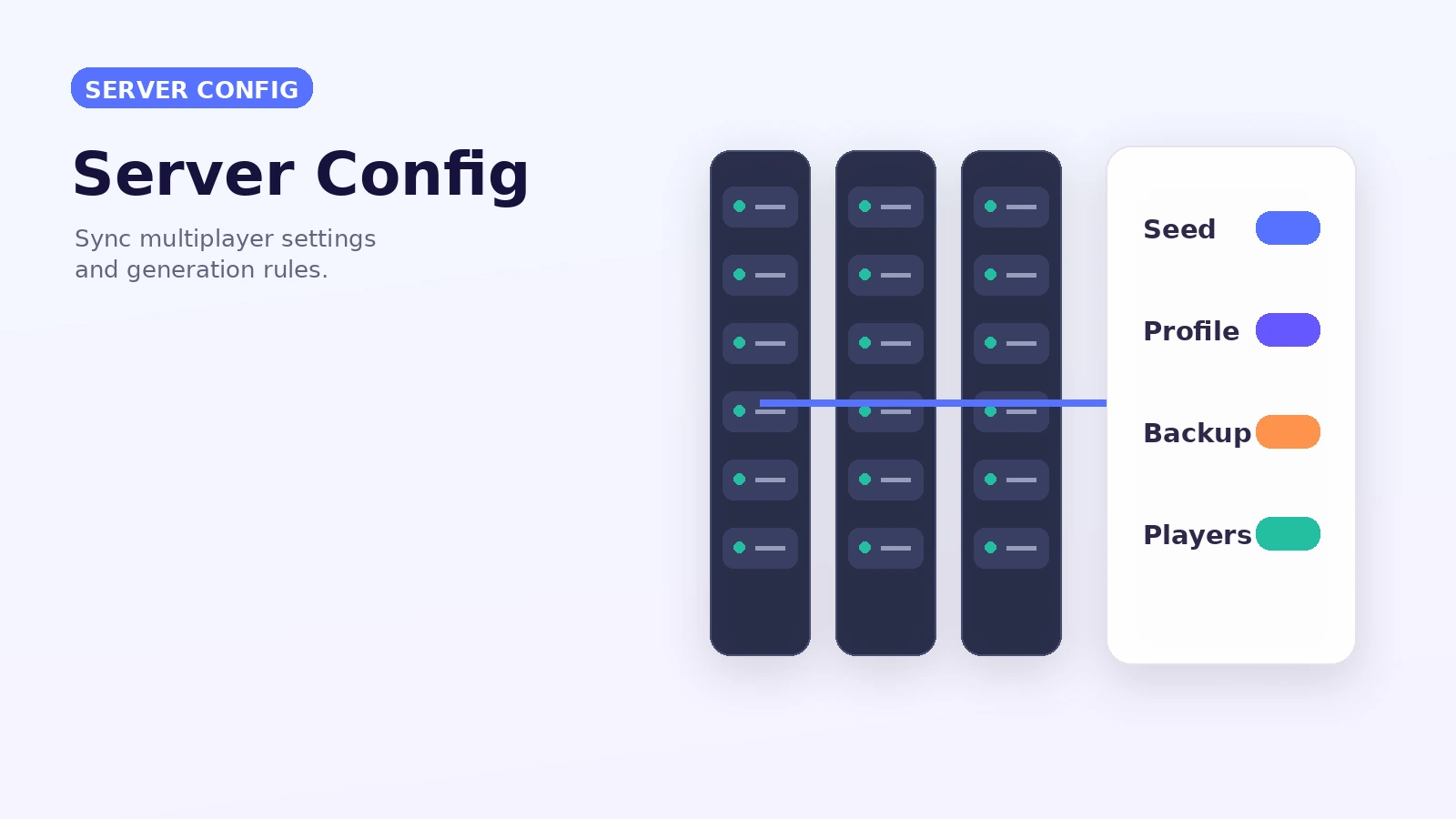
Create shared worlds where everyone enters the same preconfigured generation setup.
A safer setup sequence
- Confirm the exact Minecraft version you plan to launch.
- Install the matching supported Forge environment for that mod build.
- Obtain the correct installable Lost Cities mod package from a trusted release source.
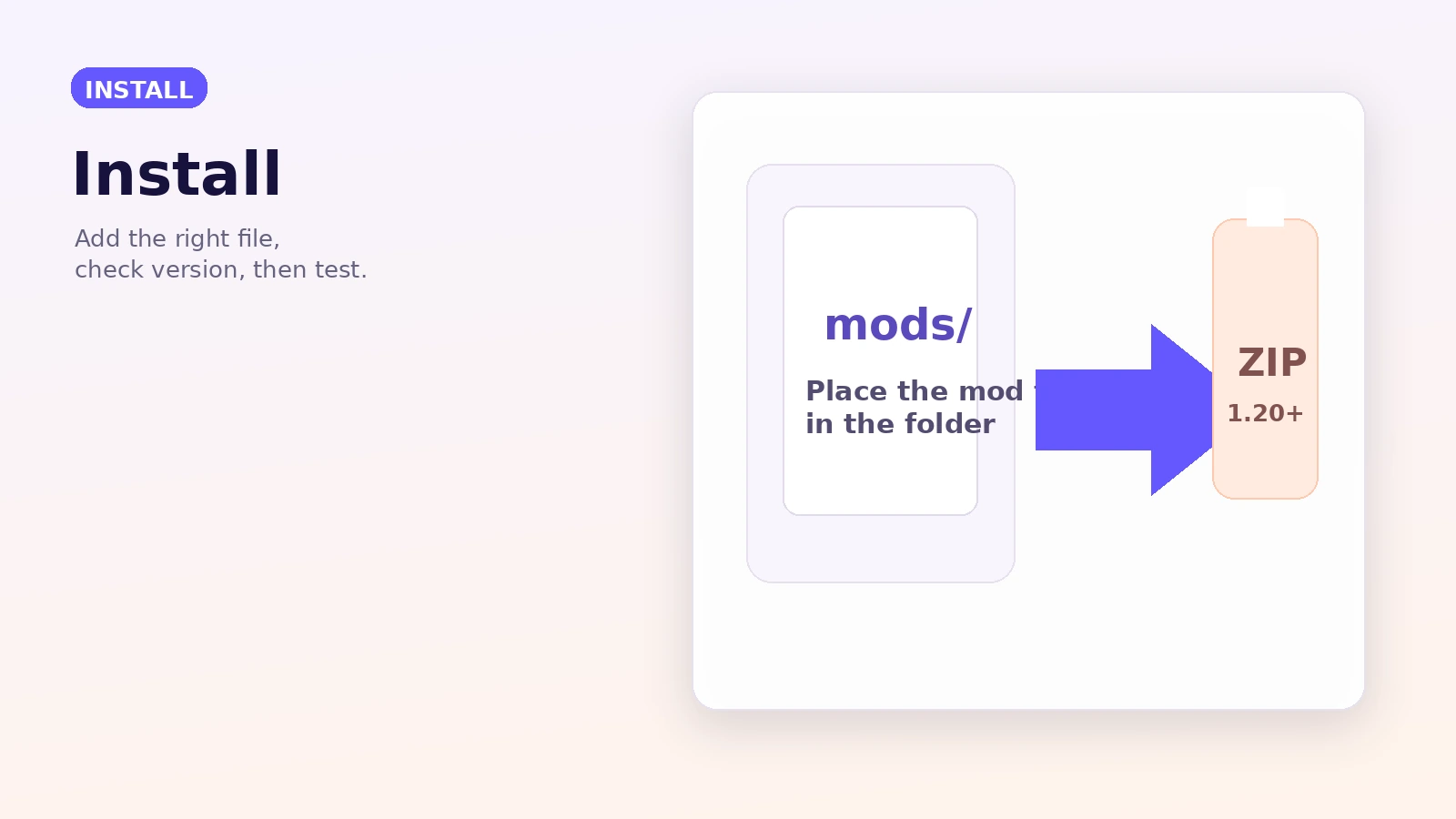
- Place the mod package in the instance's mods folder.
- Launch a test profile and create a new test world before using an important save.
About the provided ZIP
The button on this page follows the URL supplied for this website and downloads the 1.20 branch source ZIP. Source archives are not automatically equivalent to a launcher-ready mod JAR.
Download NowSafety Notice
Back up worlds before changing generators, inspect archives before opening them, keep Minecraft and Forge versions aligned, and avoid copying unknown files into your instance. This independent guide does not run downloaded code or guarantee third-party addon compatibility.
Pros
- Distinct city-based world generation
- Configurable profiles and styles
- Useful for survival, servers and modpacks
- Data-driven customization in modern versions
Considerations
- World-generation changes can create chunk borders.
- Large modpacks can complicate compatibility.
- Legacy and modern branches are not interchangeable.
- Source archives and installable mod files are different package types.
Version-aware guidance
The supplied download URL points to the project branch named 1.20.
Official current documentation is organized around Minecraft 1.20.1 and newer.
Use an older matching release path and configuration approach rather than modern branch files.